AI TOOL / #10085
DALL·E Cli
A command-line tool that allows users to generate, edit, and filter images using the DALL-E 2 API.
Introduction
Command-line tool to generate, edit, and filter images using the DALL-E 2 API.
What is DalleCli?
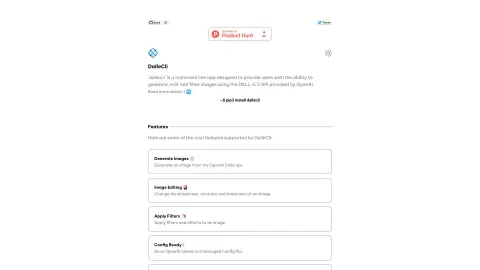
DalleCli is a powerful and easy-to-use command-line tool that utilizes the OpenAI DALL-E API to generate, edit, and filter images. It allows users to create stunning images directly from the command line, apply various effects and filters, and enhance their creativity. DalleCli provides the capability to use the DALL-E 2 API offered by OpenAI for image generation, editing, and filtering purposes.
How to use DalleCli?
Use `pip3 install dallecli` to install DalleCli. Then, use commands such as `generate`, `edit`, and `filter` to create and modify images from the command line, by utilizing the OpenAI token stored in the management configuration file.
The core functions of DalleCli
Generate images using the OpenAI Dalle API.
Adjust the brightness, contrast, and clarity of an image.
Apply filters and special effects to the image.
Store the OpenAI token in the management configuration file.
Adjust the brightness, contrast, and clarity of an image.
Apply filters and special effects to the image.
Store the OpenAI token in the management configuration file.
Related
Quixl.ai
Quixl is a code-free AI agent development platform designed for enterprises.
OneSky Localization Agent
An AI-powered translation platform that provides fast, accurate localization for software, apps, and games.
Enconvo
The AI proxy launcher for macOS uses artificial intelligence to automate tasks and enhance productivity.
FlowChai
An artificial intelligence platform that utilizes conversational AI for the creation of commercial content and the automation of related processes.
Auto Gmail: ChatGPT for email
The AI assistant drafts your email reply.
OneReach.ai
A no-code platform for orchestrating advanced multimodal AI agents.