AI TOOL / #02380
Jarvis AI
An AI assistant browser extension designed to enhance productivity by leveraging AI and large language models.
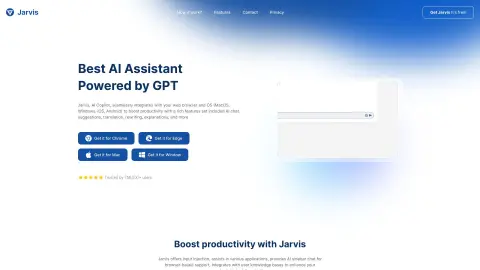
Introduction
AI Copilot browser extension for productivity enhancement using AI and LLM.
What is Jarvis AI?
Jarvis is an AI assistant that is integrated into web browsers as an extension. It utilizes AI and large language models to enhance productivity by providing suggestions, conducting translations, rewriting text, summarizing information, offering explanations, helping users explore relevant content, and facilitating access to related documents. Jarvis AI supports technologies such as Chat GPT, Bing, Claude, Bard, and BOT. It also offers features including code review, AI-powered translation, grammar checking, and writing assistance.
How to use Jarvis AI?
Jarvis AI is available as a browser extension. Once installed, it provides AI-powered assistance directly within your web browser, offering features such as suggestions, translations, text rewrites, and summaries while you are browsing the internet.
The core functions of Jarvis AI
AI chat
Proxy and Multi-Proxy
Constructing knowledge
automation
ChatGPT group chat
Code review
AI translation
Syntax check
Improvements in writing skills
search bar
Jira Assistant
Proxy and Multi-Proxy
Constructing knowledge
automation
ChatGPT group chat
Code review
AI translation
Syntax check
Improvements in writing skills
search bar
Jira Assistant
Related
Decorous
An AI-powered interior design app that offers personalized home renovation solutions.
Designify AI
An AI-based interior design platform designed for instant room renovation and modification.
RoomGenius
An AI-powered interior design tool for room redesign and furniture matching.
CamPlan AI
An application that uses AR scanning and AI assistance to create modern floor plans.
DreamzAR
AI powered online yard and garden landscape design editor.
Save and search with Stacks
Stacks is a bookmark management tool equipped with AI-based classification capabilities, making it easy to organize and rediscover content.