AI TOOL / #07082
SeeHear – Text Capture
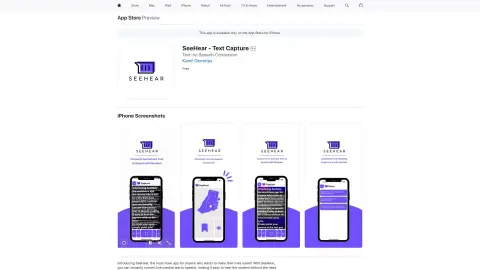
An iPhone app that instantly converts text displayed on the camera into speech.
Introduction
iPhone app that converts camera text to speech instantly.
What is SeeHear – Text Capture?
SeeHear is an iPhone application that can instantly convert text displayed on the live camera into spoken words. Users can point the camera at the text, and the app will automatically recognize it and read it out aloud. Additionally, users can take photos of the text and save them for future reference. This tool is designed to assist people with visual or reading impairments, as well as those who simply want to save time by having texts read aloud for them.
How to use SeeHear – Text Capture?
Simply point your iPhone’s camera at the text you would like to have read aloud. SeeHear will automatically recognize the text and read it out for you. You can also take a photo of the text for future use.
The core functionality of SeeHear – Text Capture
Real-time text-to-speech conversion using a webcam
Save the captured text to the iPhone’s photo album.
The text size and font type can be customized.
Save and share the captured text.
Save the captured text to the iPhone’s photo album.
The text size and font type can be customized.
Save and share the captured text.
Related
MyShell
MyShell is a platform for creating and interacting with AI-powered virtual beings.
Disney Pixar AI Image Generator
Use AI to transform images into Disney, Pixar and Ghibli styles.
LearChat
LearChat is a platform that allows for personalized conversations with various AI companions.
Something AI
An AI platform that features a variety of roles and GPT robots, used for chatting and text generation.
The Digital Dogs
AI-driven digital dogs, backed by NFTs, are designed to improve mental health in virtual environments.
Imagineapp
AI platforms use role-playing and style-based training to transform video content.